

Default
Your AI copilot on every screen. Ask by voice, hear answers aloud, and let it handle the busywork.
New Flight Timeline: every frequency and call along your route arrow_forward7-day free trial for new subscribers · A$9.99/month · iPhone, iPad & Web
Already have an account? Login
The Flight Timeline turns your route into the radio plan for the flight: the area frequency to be on and exactly where it changes, the ATC unit to call for controlled airspace where the ERSA names one, the ground, tower and CTAF calls written out with your callsign, and the restricted and danger areas and aerodromes along your track. Then a trip check: fuel against your reserve, and the forecast and NOTAMs for the times you'll actually be there.
Caboolture to Boonah, west of Brisbane, at 3,000 ft, paused at 11.8 NM
The top bar shows the planned frequency for where you are, large, with the next change under it. Where the ERSA ties an ATC unit to a CTA step, the timeline names it. Plan Caboolture to Boonah at 3,000 ft, around the west of Brisbane, and past Dayboro the Class C step reads “Clearance required — Brisbane Centre 125.7”, with the ERSA note it comes from and the clearance request written out.
Camden to Mudgee at 6,500 ft, played through at 88 NM
Ground, tower and CTAF calls come written out with your callsign, and anything the plan can only suggest, like your position or estimate, is marked for you to confirm. Play the flight through before you go, or let GPS follow along once your levels are confirmed. Divert from where you are and the original plan stays one tap away. Your timeline stays on the device and exports to PDF, even with no signal.
Fuel across every flight, against your own reserve. The TAF at each take-off and landing time, checked against your personal minimums: a future time never falls back to today's METAR. And the NOTAMs active while you're at each aerodrome, fetched from your connected NAIPS account when you ask.
A planning aid, not a legal fuel determination.
The planner suggests each leg's altitude airspace first, then wind. Under each leg it shows the controlled airspace and the level below which the leg stays outside it. Open in Flight Timeline carries your levels, wind-corrected ground speed per leg, landings and fuel. Import an OzRunways .ozpln (on iPhone, share it to OzCopilot) and it opens with its own altitudes and landings.
That level is airspace only: check minimum heights, terrain and the VTC lanes.
Open the copilot over your timeline and it sees the plan you're looking at. Ask it to walk you through the calls, or to change the departure time, ground speed, levels or fuel.
A level it sets stays unconfirmed until you confirm it.
Area frequencies come from the Designated Airspace Handbook; aerodrome frequencies, runways and circuits, and the ATC unit for a CTA step where one is named, come from the ERSA. They are planned values for the planned route and level: the app can't see your radio, and an ATC instruction always overrides them. The timeline is a planning aid, not ATC and not a navigation source. Check the ERSA, VNC/VTC and NOTAMs.
Ask the things you don't want to ask twice, typed or spoken. Plain-English answers that cite the AIP, CASR and MOS, so you learn where the rules actually live. It backs up your training, it doesn't replace it.
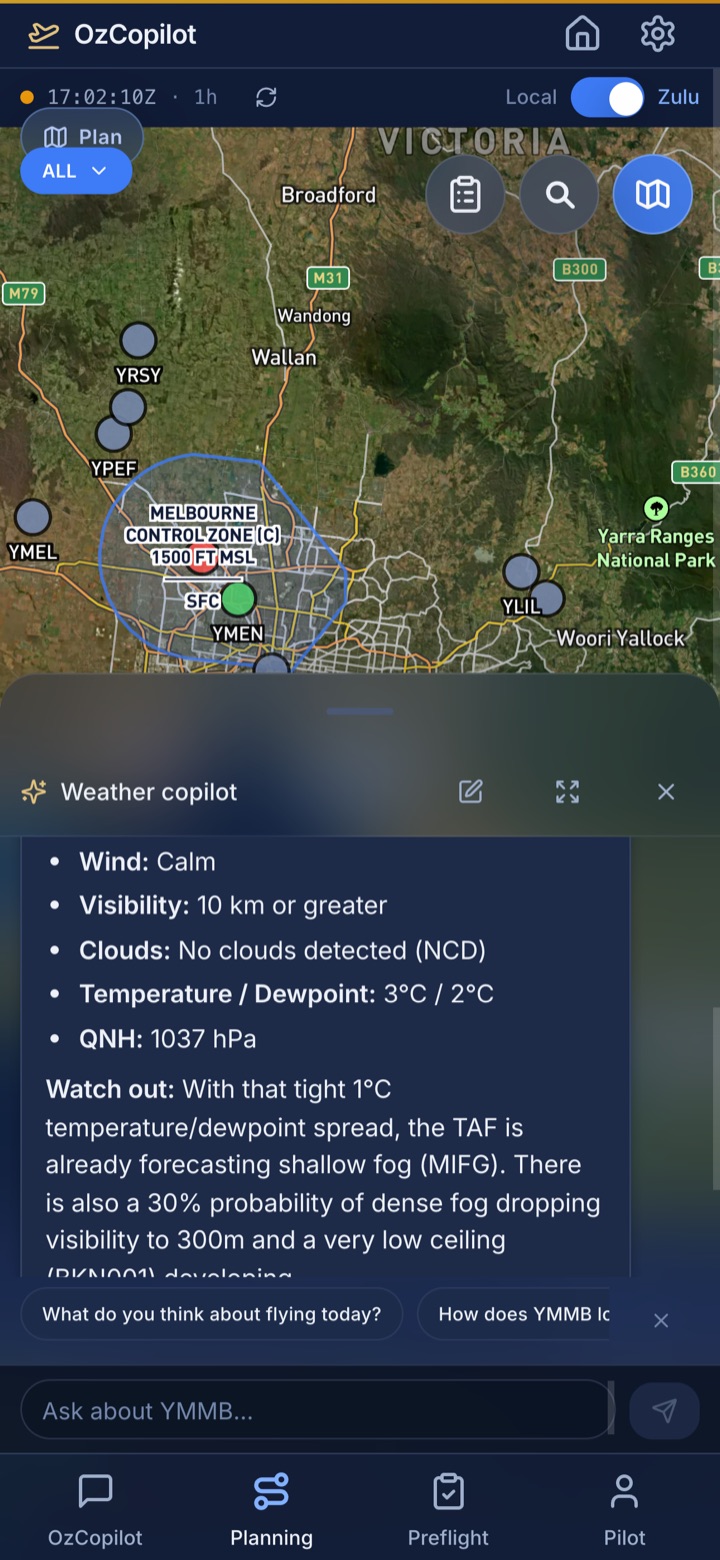
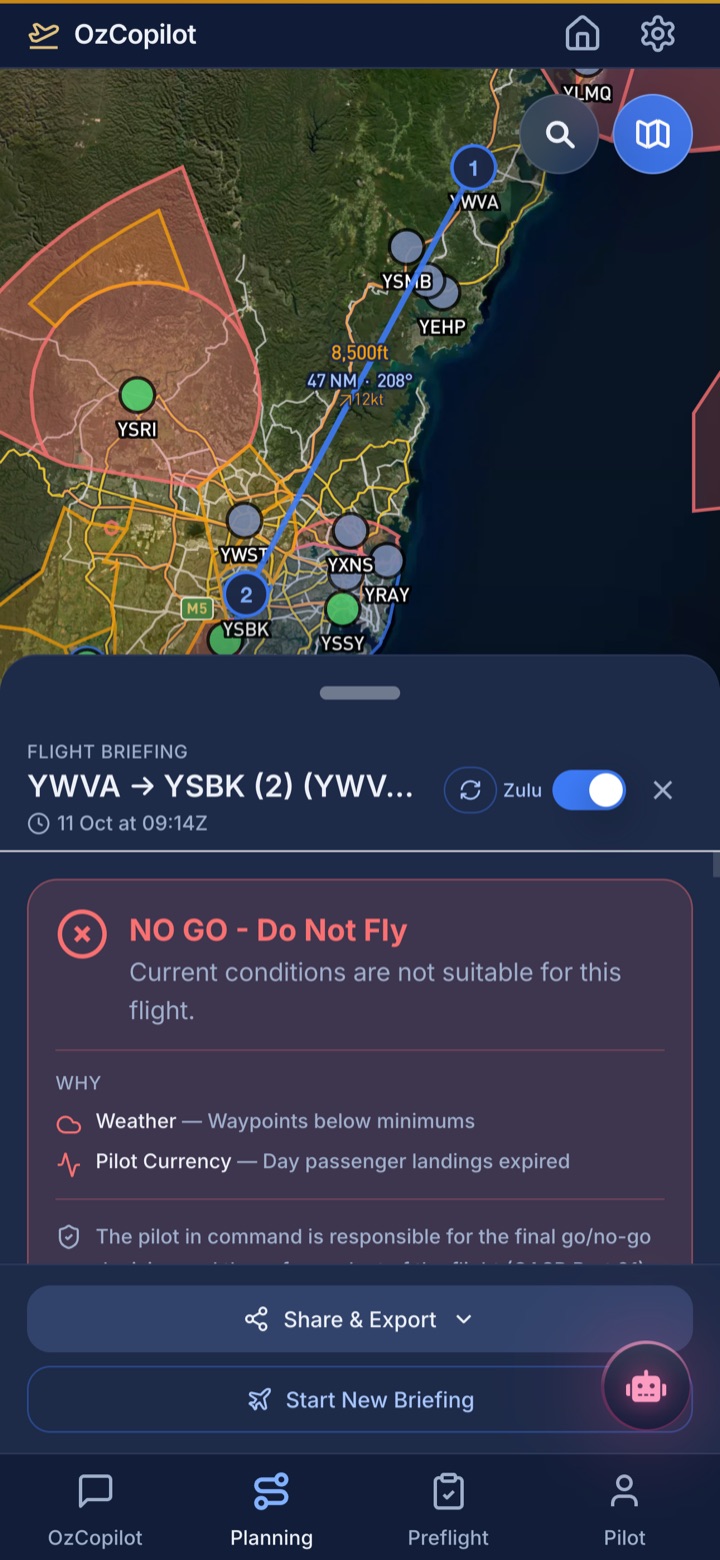
Meet the copilot arrow_downwardWeather, NOTAMs from your connected NAIPS account, weight & balance and risk in one briefing, checked against your minimums, with a straight go/no-go verdict. It will tell you when not to fly.
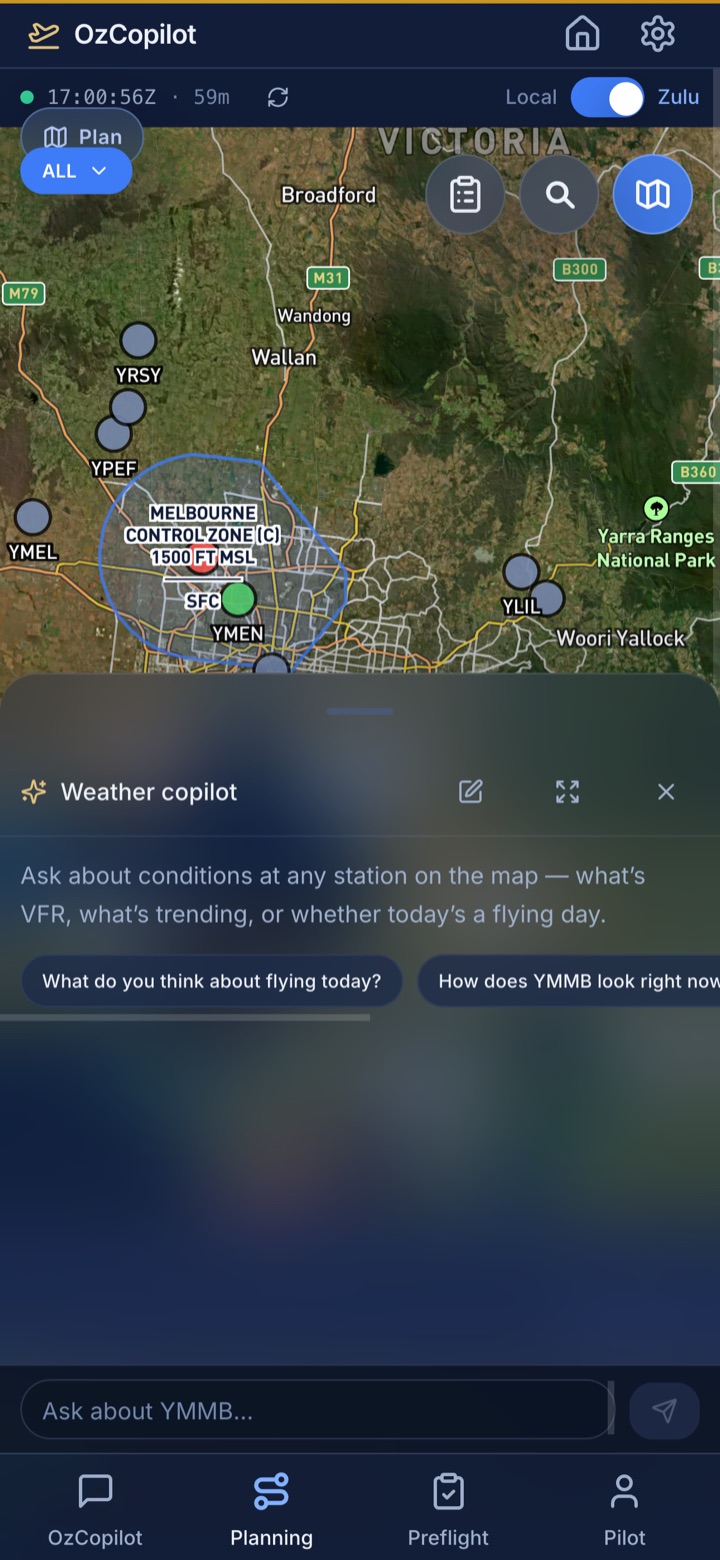
See the briefing flow arrow_downwardOpen the copilot from anywhere and it already knows what you're looking at. Ask about the airport on your weather map or the route you're planning, by keyboard or by voice, and hear answers read aloud. It doesn't just answer: it drafts logbook entries for you to confirm, loads routes onto the planner, and fills in calculators. Regulatory answers come with verbatim extracts and links to the source documents: AIP, CASR and MOS. Share any answer as a PDF in one tap.
Plan your route and review all the factors that matter: human factors, weather, aircraft performance, and terrain, all in one place. You make the call. The route planner suggests each leg's altitude airspace first, then wind, and opens the plan in the Flight Timeline. METAR and TAF decoded into plain English for departure and destination, plus a forecast at every point along the way. Connect your own NAIPS login in Pilot Profile to bring NOTAMs into the briefing alongside over a thousand airfield webcams. Airspace updates ship with the app, so the 09 JUL 2026 Sydney redesign and the new Ballina control zones are already loaded, with no chart subscription to renew.
Navigation log, airports, weight & balance, AI briefing and a clear risk score, together in one drawer.
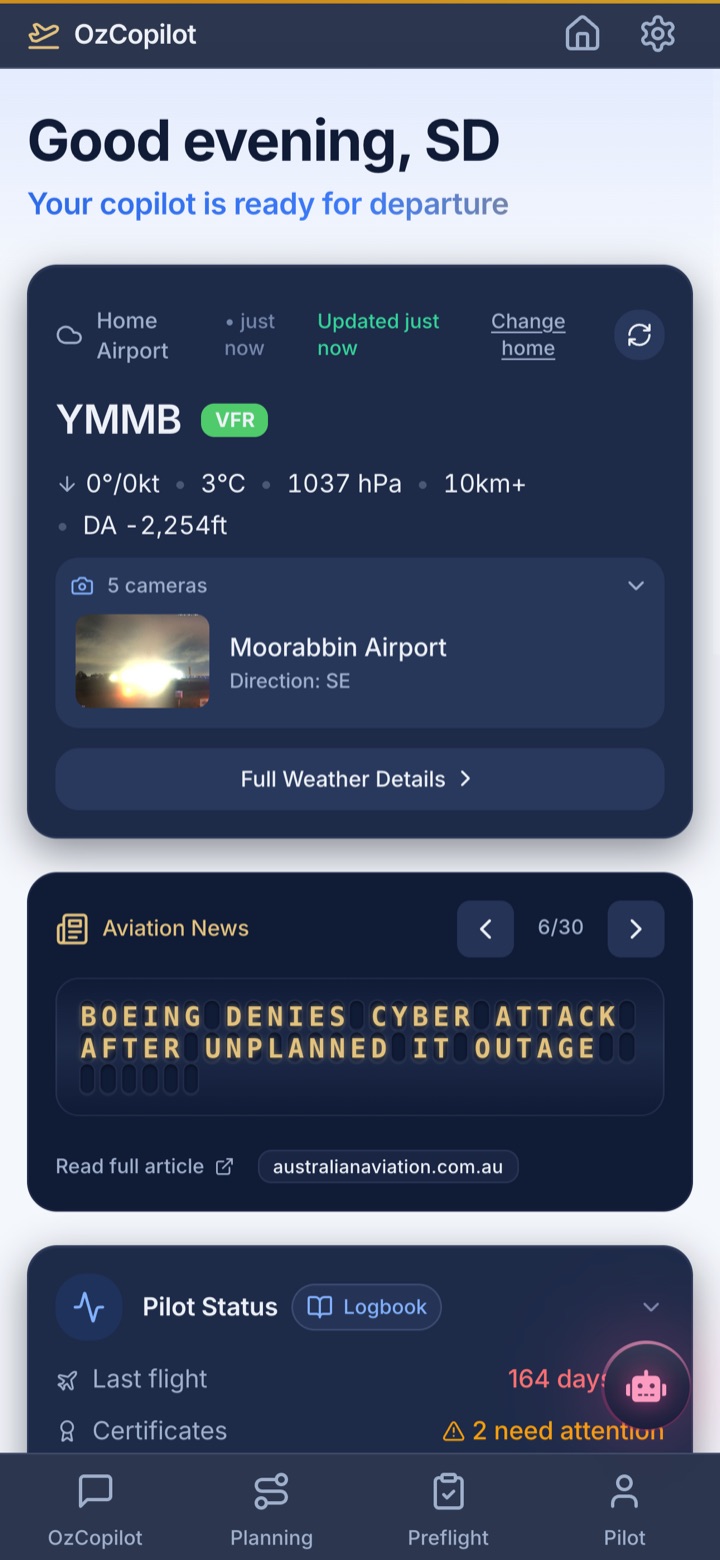
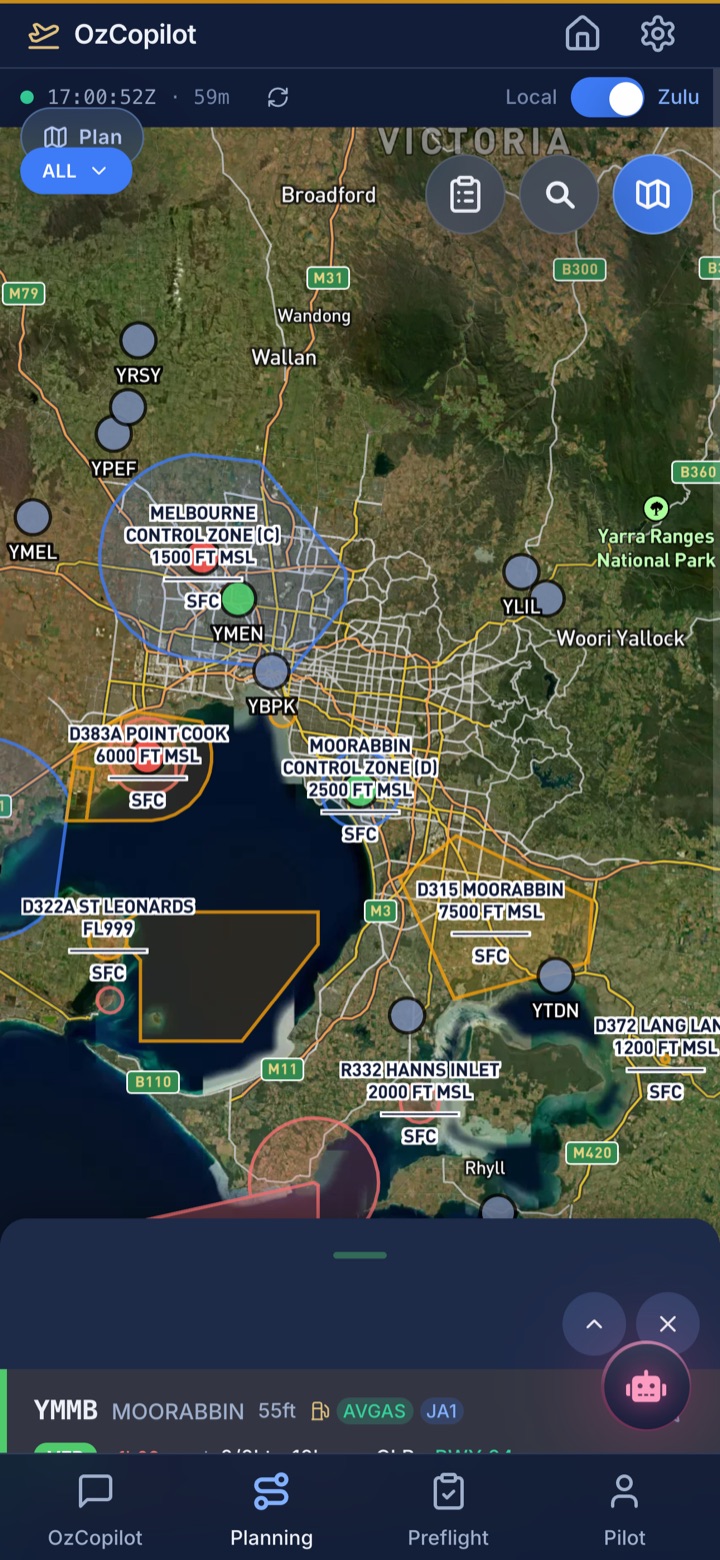
Tap any airport to see real-time METAR and TAF translated into plain English. Current conditions, runway wind analysis, forecast timeline, and frequencies, all at your fingertips.
Set your personal minimums once, and your flight briefing checks conditions against your limits. Export the whole briefing as a PDF and take it with you. IMSAFE assessment, W&B, performance calcs, and 50+ E6B calculators. Performance numbers run through one engine everywhere, name their source, and keep the planning allowance separate from the source figures. Checklists and your logbook work without signal, right on the tarmac, the weather map keeps your last download and tells you how old it is, and over 1,100 ERSA, AIP and VFRG documents are stored on the device so you can read them with no coverage at all.
Personal minimums should be above regulatory minimums. They help you make safer go/no-go decisions.
CASA requirements from your logbook
12 flights, 18.5h in last 90 days
3/3 landings in 90 days
67 days left
Certifications & reviews
Due: 15 Aug 2027
400 days left
Class 2 · Expires 12 Sep 2026
45 days left
A working slice of the app's E6B, weight & balance and checklists, running right here. Have a play.
Wind, fuel, altitude & more calculations
Performance calculator with CG envelope
Interactive preflight, sync online, use offline
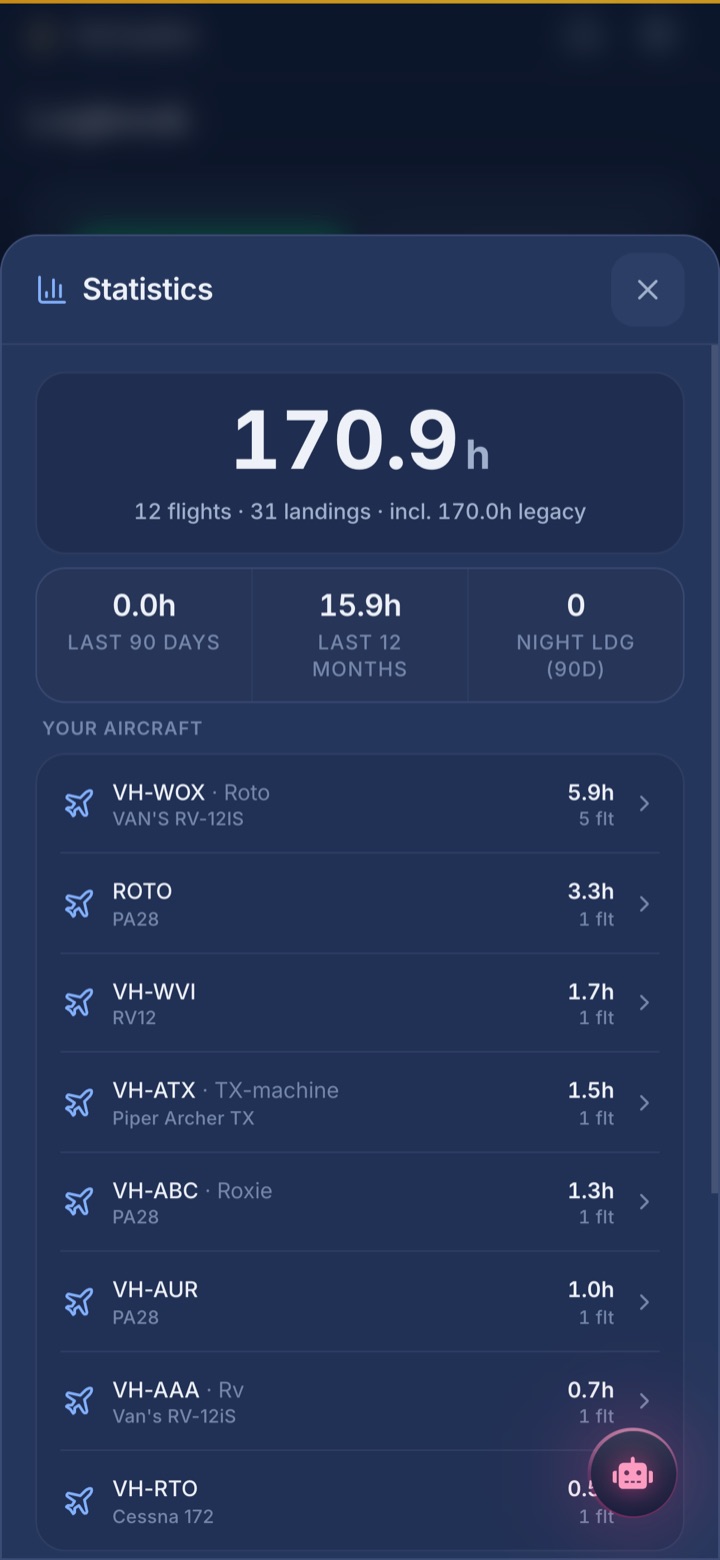
Quick flight logging that takes seconds, even offline. Statistics show your flying at a glance, then drill down: every flight per aircraft, the airports you've visited, hour breakdowns and currency. Licences, medicals and certificates with expiry countdowns the moment you open the app. Export the whole logbook as PDF or CSV.
Straight from the app, in the order you'll fly it. Prefer hands-on? Jump back to the live demos.
No tiers, no add-ons, no surprises
About two minutes of C172 hire a month.
Free trial available to new subscribers. On iOS, Apple confirms trial eligibility at purchase. If you've used a free trial before, your subscription starts right away.
Built at an Australian flight school, for the students who kept sitting on good questions and the pilots juggling six browser tabs before every flight.
Meet OzCopilot Tutor, your aviation theory study companion. Practice questions, topic breakdowns, and smart exam prep designed for Australian pilots.
school Explore OzCopilot Tutor arrow_forwardYour flight companion for Australian skies.